¶ Guide
Can you play GTA 6 in first person? The trick to turn it on
GTA VI has no first-person camera in its settings, but a player found a trick to turn it on on PS5. Step by step, and what to know before you try it.
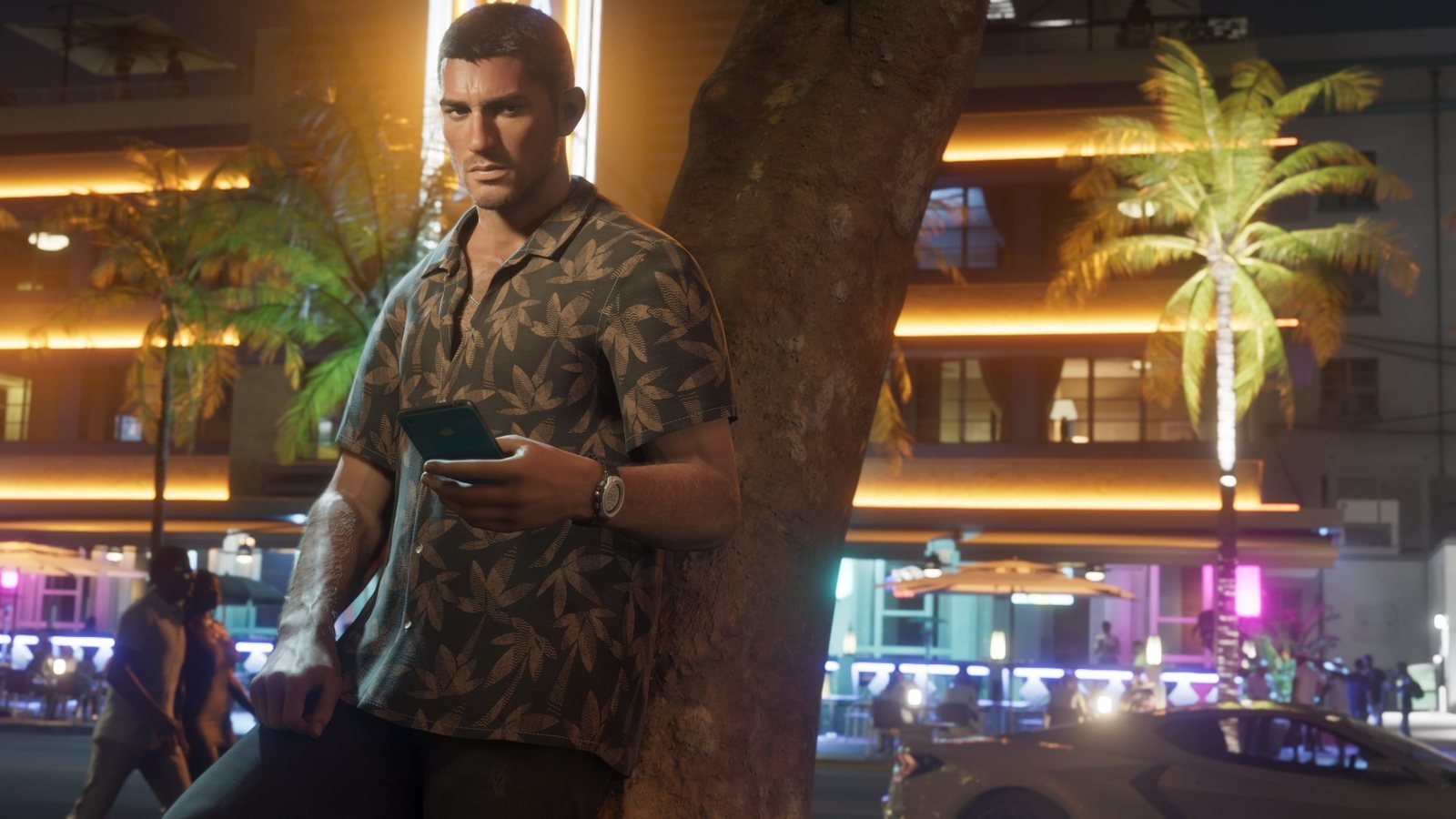
Image: Rockstar Games (galería oficial de lanzamiento de GTA VI)
GTA 6 has no first-person camera in its settings, but a player found a trick to turn it on on PS5. Heads up: once it's on, there's no way back to third person without loading a save, so save first.
How to do it
- Save manually: pause menu, "Game" and "Save Game".
- Go to Settings > Controller > Touch Pad Button and pick "Camera".
- Get into a car and sit in the driver's seat.
- Pull out your phone.
- Quickly press Circle and the touch pad.
What to know
- It's a trick, not an official mode: a player found it and Dexerto reported it. Rockstar hasn't announced a first-person camera.
- It's described for PS5: the steps use the touch pad and the Circle button on the PlayStation controller.
- To go back to third person you have to load a save. That's why step one is saving.
- It works inside a car: the trick is done sitting at the wheel, phone in hand.
- Saving manually also protects you from outages: on 20 November PlayStation Network was down for about 24 minutes for gaming services (Latin Times).
- Don't confuse it with cheat codes: those are dialled on the phone after you finish the story, and they block saving and trophies (PC Gamer, Red Bull Gaming).
Related guides
Source: Dexerto. Additional details: Latin Times, PC Gamer and Red Bull Gaming.
You may also like
 Guide
GTA 6 live: what players are discovering on streams and social media
What people are saying about GTA 6 on Twitch, Kick, YouTube and social media: discoveries, viral mo…
 Guide
How to travel to 2002 Vice City in GTA 6: the secret portal, step by step
A puzzle across 12 substations opens a portal to the original Vice City's Malibu Club. Step by step…
 Guide
Go back to Jason's house in GTA 6: a hidden $5,000 and Dolores
After Chapter 1, Jason's burned house still hides $5,000 and some photos under the floor. When to g…
 Guide
Can you play GTA 6 in co-op or split screen?
No: GTA VI launched as a single-player game, with no co-op or split screen. What is and isn't known…