¶ Guide
GTA 6 launch checklist: 8 things to do before November 19
Free up 212 GB, preload from November 10, pre-order before the 20th to get the Vintage Vice City Pack and get your console ready: the list to start GTA VI without a hitch.
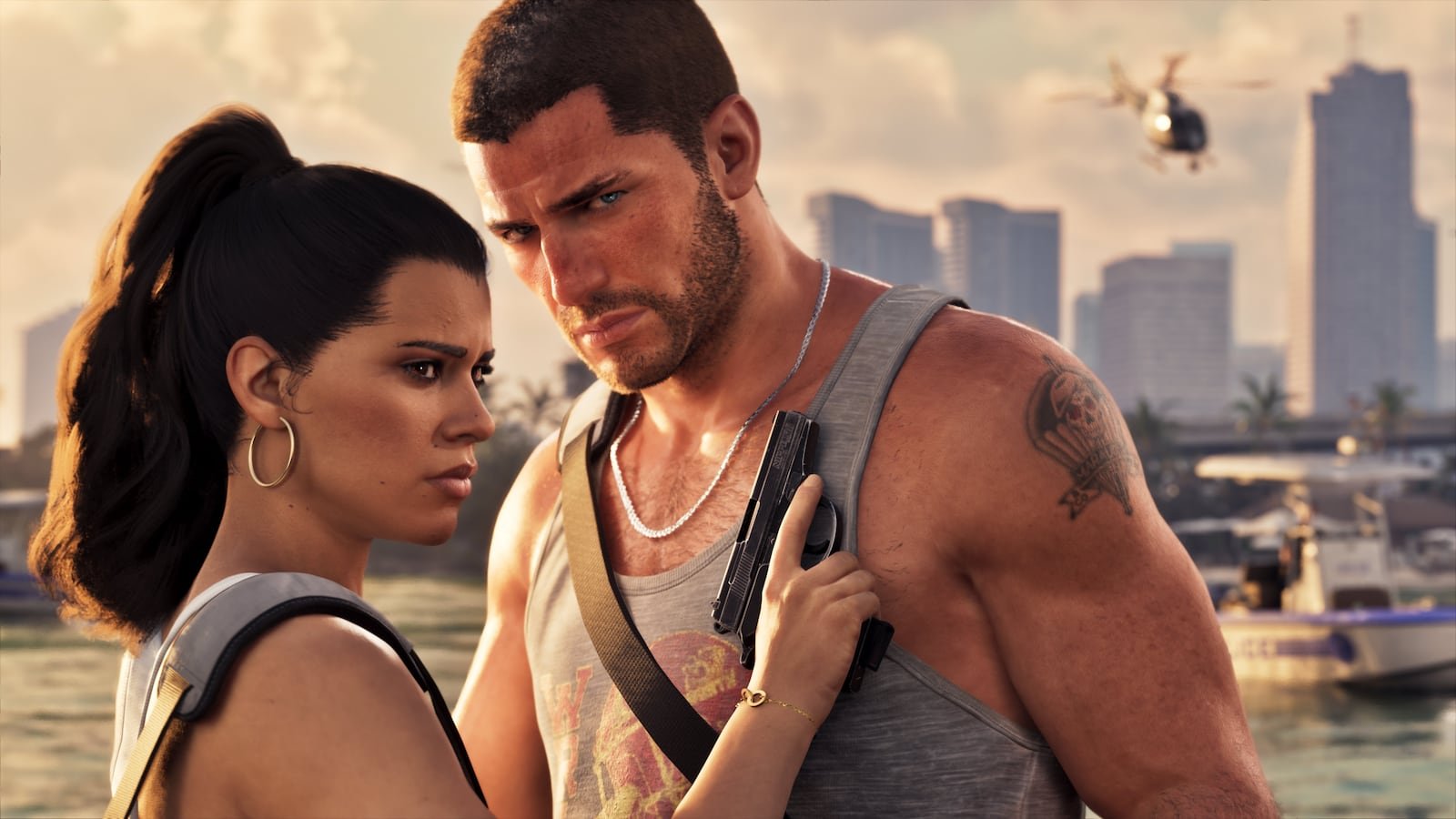
Image: Rockstar Games (official GTA VI press kit)
To start playing GTA VI the moment it unlocks, do this before November 19:
- Free up space: the game takes 212 GB. Leave about 250 GB free for patches. Details in preload and file size.
- Preload: the digital version from November 10; the physical version with a code from the 12th.
- Pre-order before November 20 to get the Vintage Vice City Pack with the '55 Vapid Stanier.
- Pick your edition: compare Standard and Ultimate in this guide.
- Update your console and enable downloads in rest mode.
- Check your subscription: if you plan to play online once it is available, on console you will need PlayStation Plus or Game Pass Core/Ultimate. Rockstar has not detailed GTA VI's online mode yet.
- Get to know Leonida: go over the 6 regions and the characters.
- Set up your checklist: use My progress to tick off missions, collectibles and trophies from day one.
FAQ
What do I need to play GTA 6?
A PS5 or Xbox Series X|S, about 212 GB of free space and the game preloaded. To play online, once available, your console's subscription.
Until when can I pre-order GTA 6 with the bonus?
Until November 19, 2026: purchases and pre-orders before November 20 include the Vintage Vice City Pack.
Updated November 8, 2026.
You may also like
 Guide
When does GTA 6 come out? Release date, platforms and price
GTA VI releases on November 19, 2026 on PS5 and Xbox Series X|S. It costs $79.99 (Standard) or $99.…
 Guide
What time does GTA 6 unlock? Release times
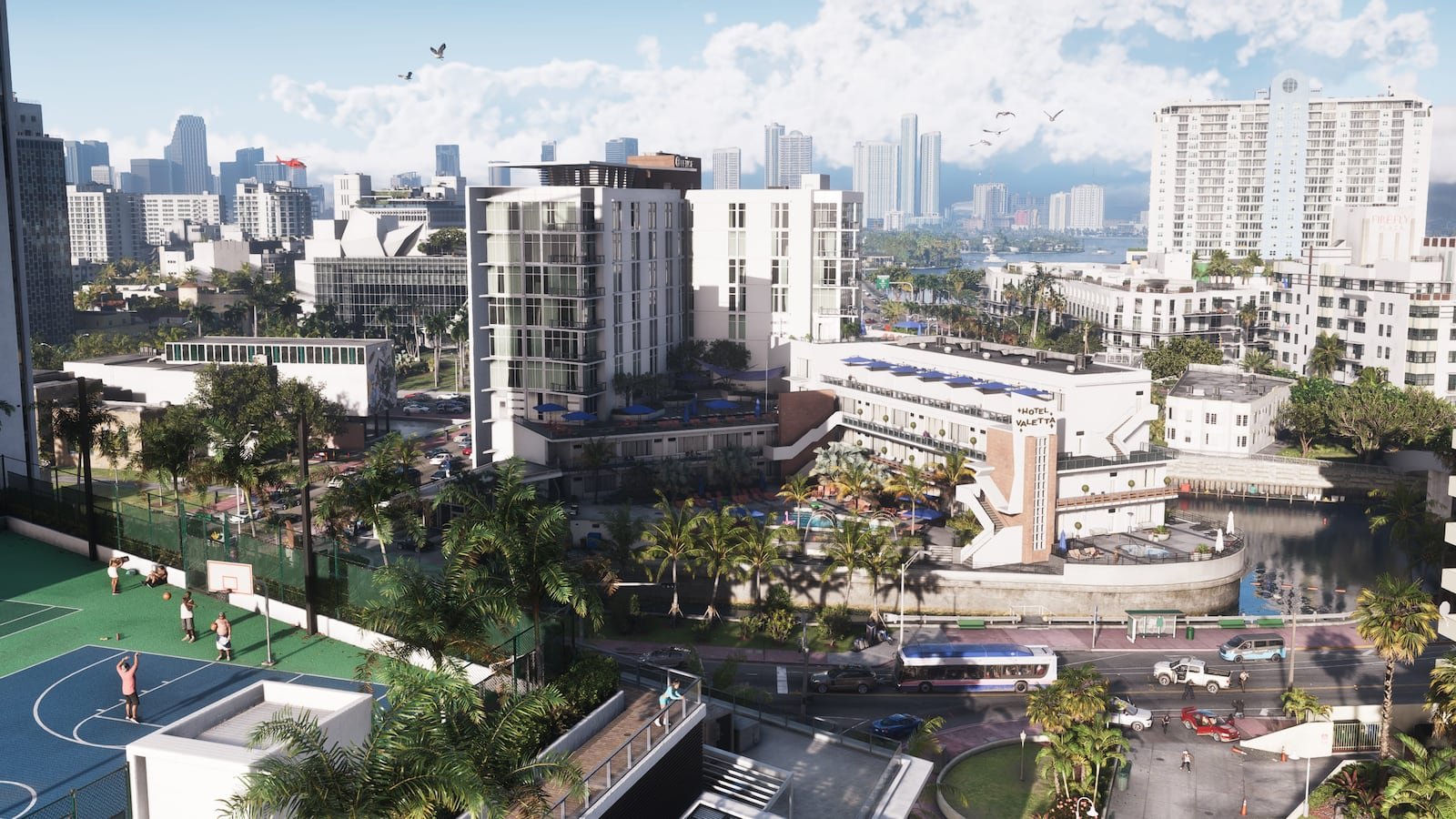
GTA VI unlocks on November 19, 2026. Digital stores list midnight local time in most regions, while…
 Guide
GTA 6 preload: date, time and file size (212 GB)
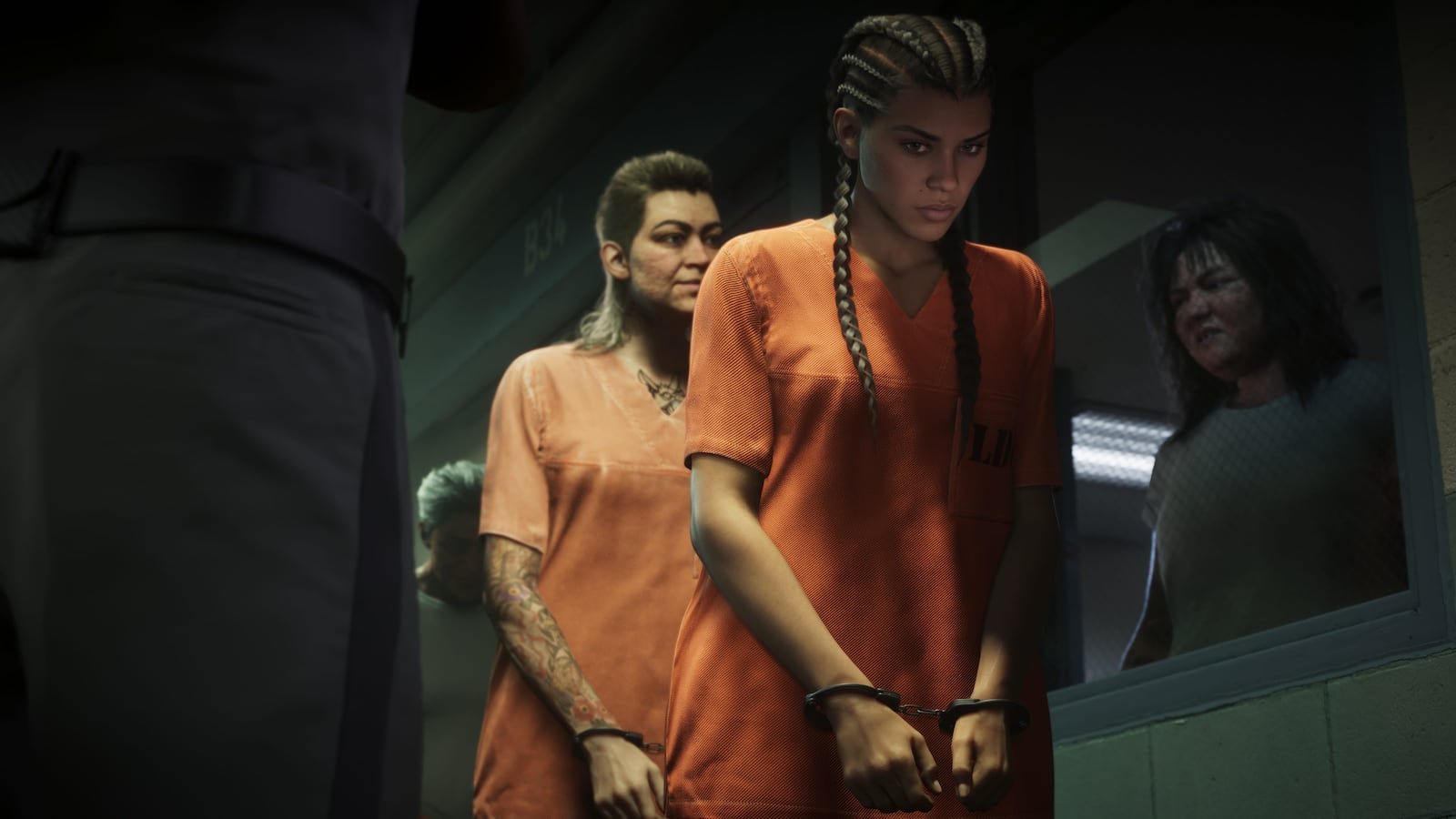
GTA VI digital preload starts on November 10, 2026 and the game takes 212 GB. Here is when it start…
 Guide
Does GTA 6 run at 30 or 60 FPS? Performance on PS5, PS5 Pro and Xbox
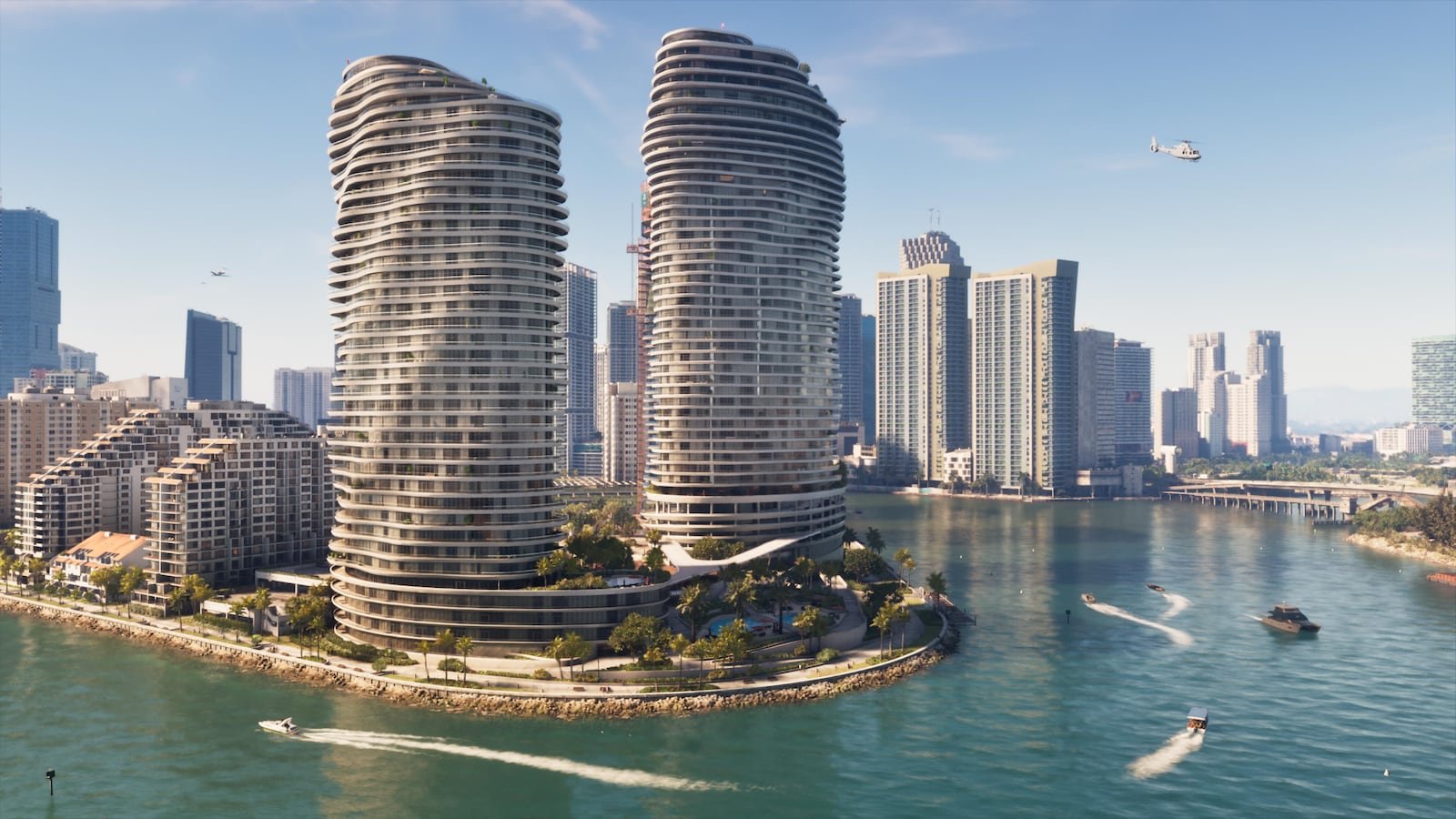
Based on what has come out of Rockstar, GTA VI targets 30 FPS on every console. There is no confirm…