¶ Guide
How to remove the GTA 6 background on Xbox Series
Microsoft put a GTA VI background on Xbox Series consoles without warning. Here is how to turn it off in Settings, step by step.
Image: Rockstar Games (galería oficial de lanzamiento de GTA VI)
If your Xbox Series woke up with a GTA VI background you didn't pick, it's not something you did: Microsoft changed it without warning for the game's launch. To remove it, go to Settings > Personalization > My background and uncheck "Show event theme backgrounds".
What happened
With GTA VI's arrival, Microsoft swapped the Xbox Series background for art from the game without warning. Plenty of players complained (Vandal, citing IGN). It's an event theme background, and the console has a box to switch those off.
How to remove it
- Open Settings on your Xbox Series.
- Go to Personalization.
- Pick My background.
- Uncheck "Show event theme backgrounds".
If you like the GTA VI background, you don't need to do anything: just leave it as it is.
If you play GTA 6 on Xbox Series
- It runs at 30 FPS: there's no 60 FPS mode on any console; according to Digital Foundry, the CPU is the limit (PC Gamer).
- The GTA+ month from the pre-order bonus can be redeemed within the following 180 days; the bonuses only applied to purchases made before the 19 November cut-off (Xbox Wire).
Related guides
- GTA 6 at 30 or 60 FPS: performance on PS5 and Xbox
- GTA 6 on Xbox One and Xbox Cloud Gaming
- GTA 6 editions: Standard vs. Ultimate
- GTA 6 live: what players are discovering
Source: Vandal, citing IGN. Additional details: PC Gamer (citing Digital Foundry) and Xbox Wire.
You may also like
 Guide
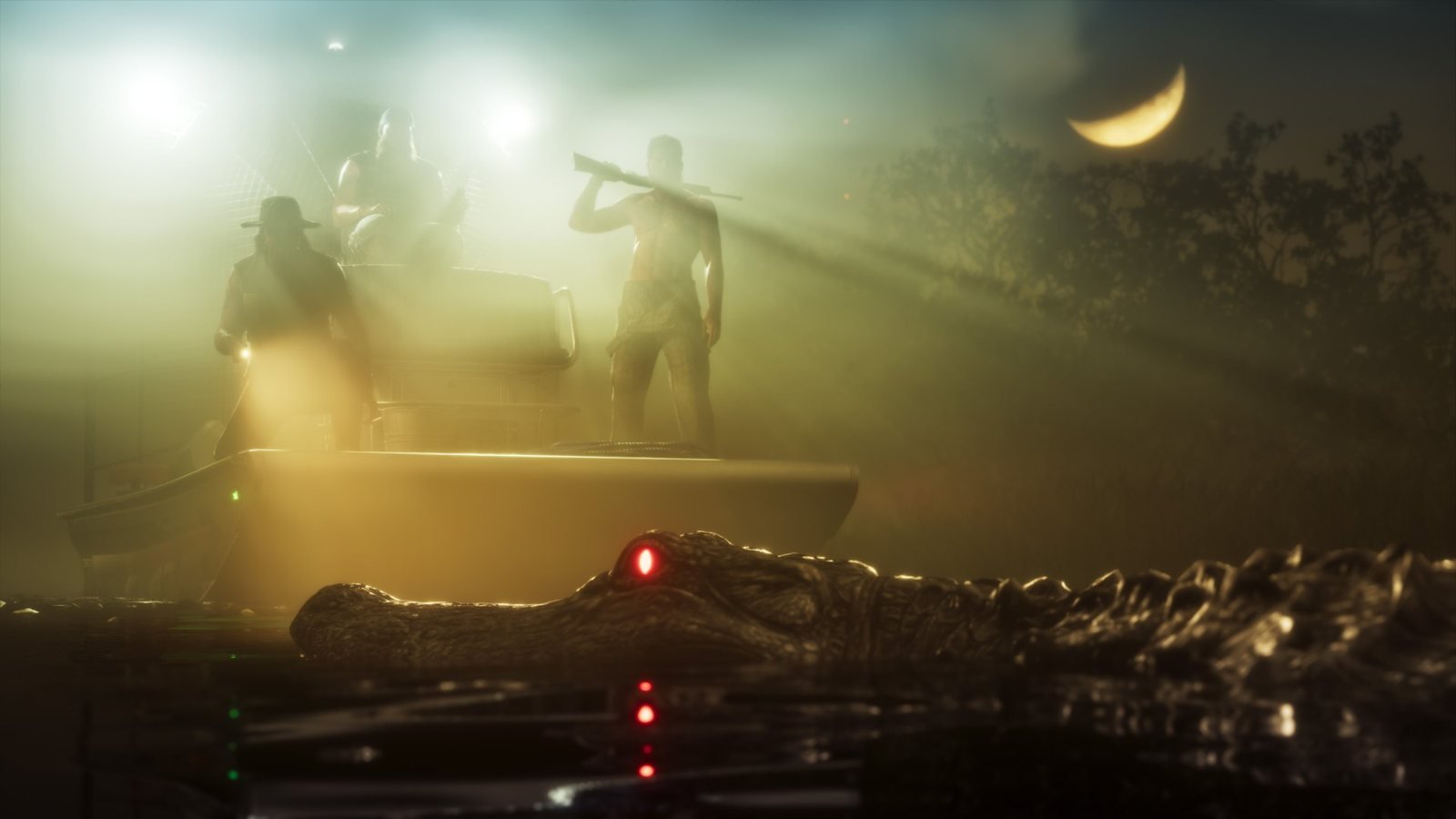
GTA 6 live: what players are discovering on streams and social media
What people are saying about GTA 6 on Twitch, Kick, YouTube and social media: discoveries, viral mo…
 Guide
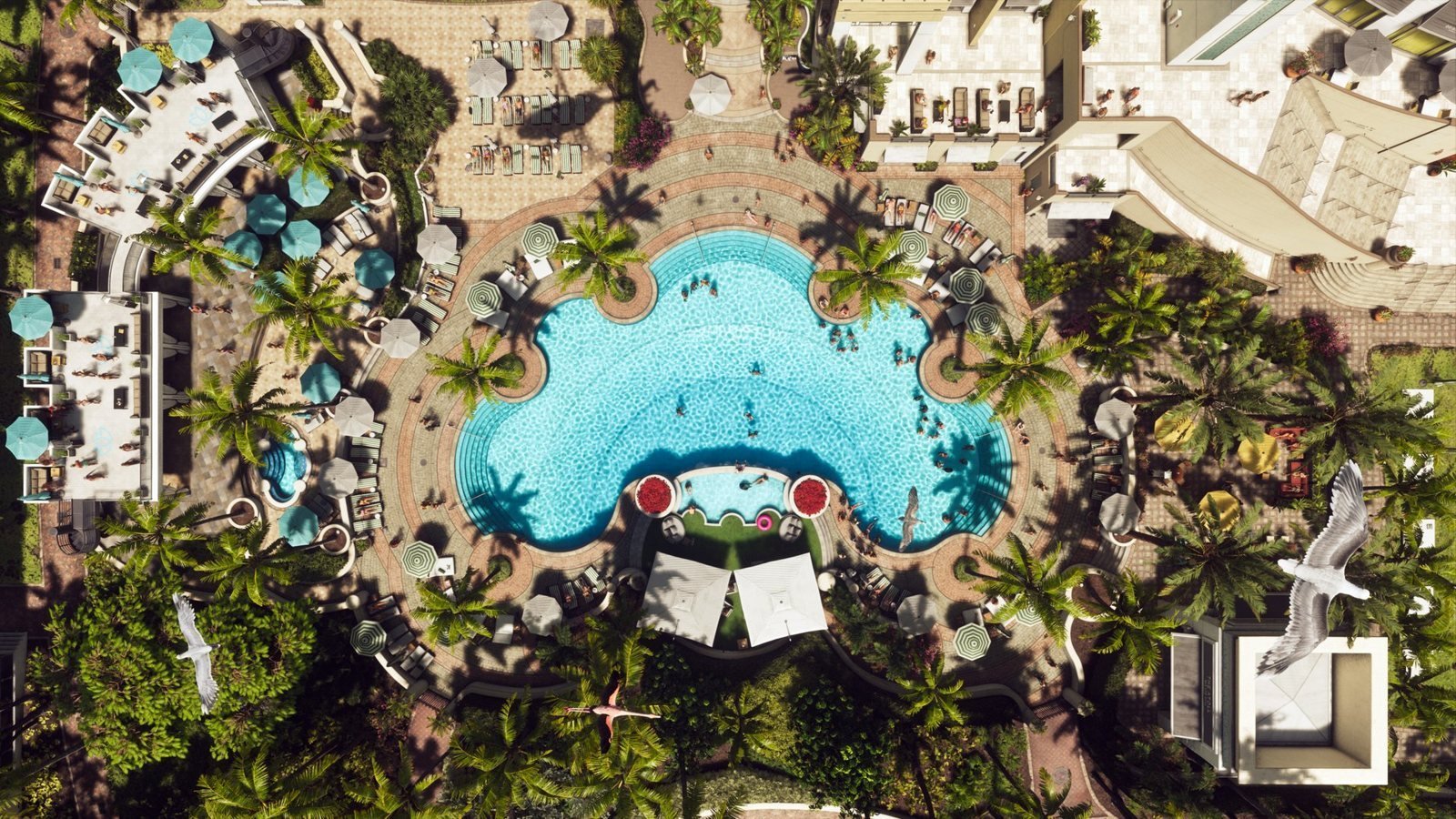
How does weather work in GTA 6? Rain, storms and fog in Leonida
In GTA VI each part of Leonida can have different weather at the same time: rain, thunderstorms, se…
 Guide
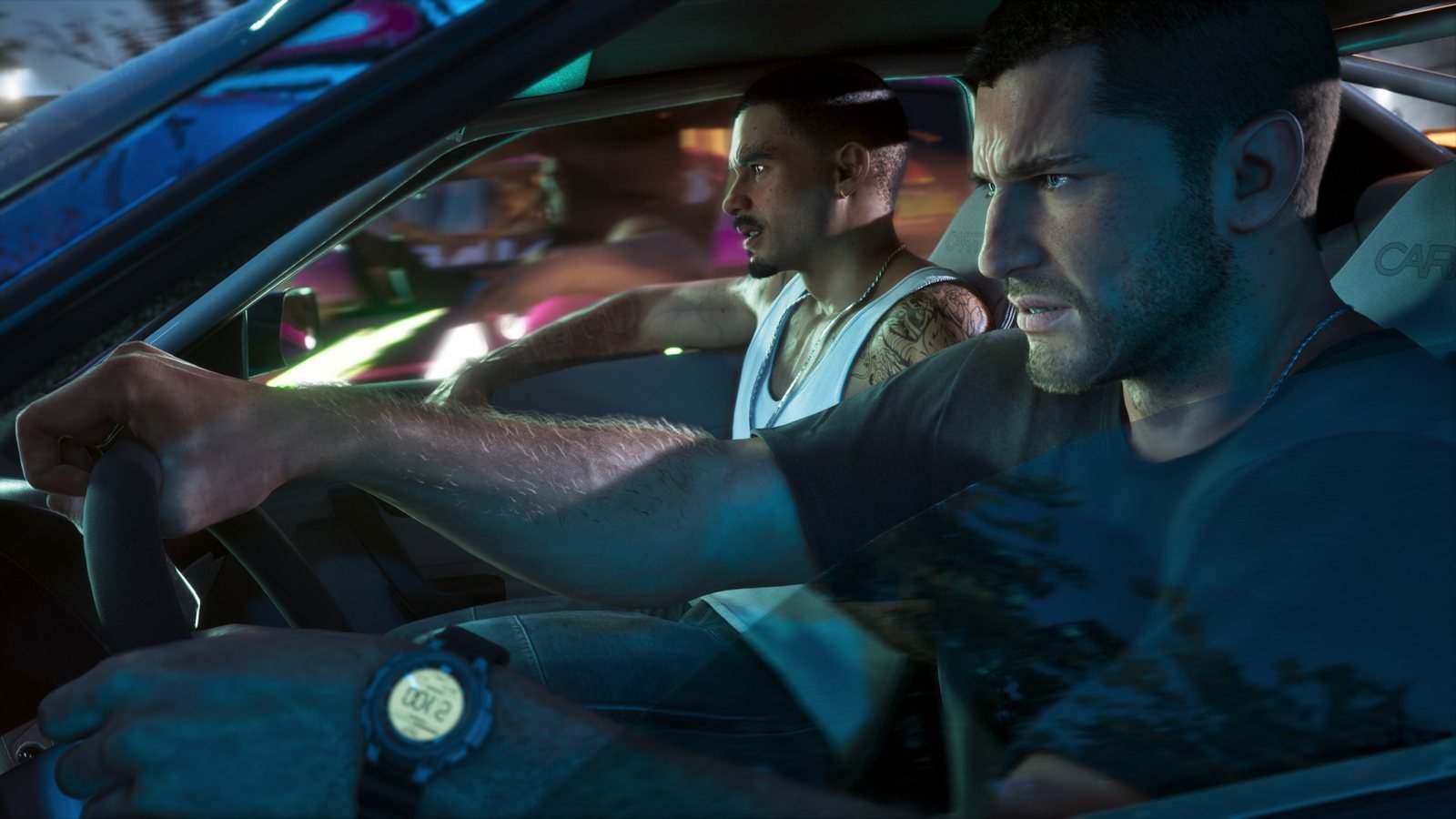
Can you play GTA 6 in first person? The trick to turn it on
GTA VI has no first-person camera in its settings, but a player found a trick to turn it on on PS5.…
 Guide
How much did GTA 6 sell? Day one sales
GTA 6 made around $3.79 billion on day one and sold 32.5 million copies before launch, according to…